
Dual-Band Friendship Lamps: Staying Close Across State Lines Just Got Easier
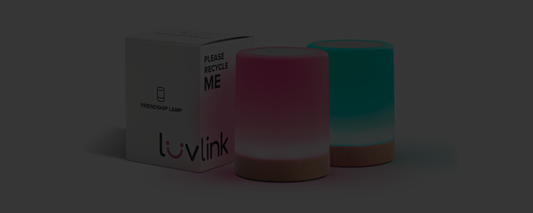
Quick answer: LuvLink Friendship Lamps and our wooden Modern Range lamps now come with dual-band (2.4 & 5GHz) Wi-Fi. Whether it's going to your mom's house, a college dorm or a city apartment, the lamp can join the home network on whichever band it uses. Setup is still a few minutes over Bluetooth, and new lamps work alongside the older lamps your family already has.
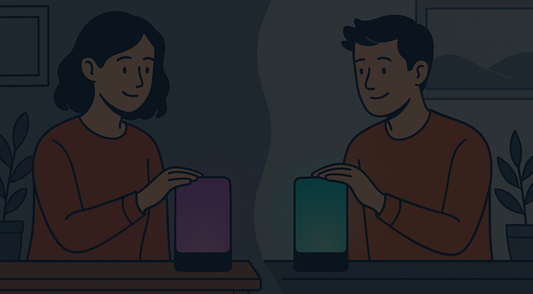
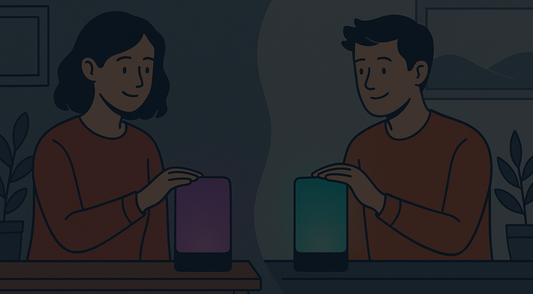
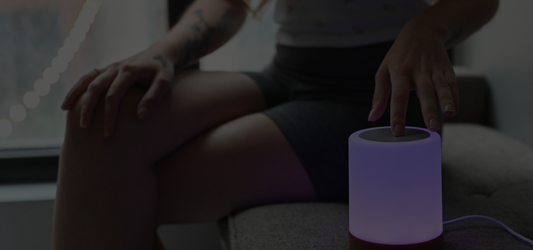
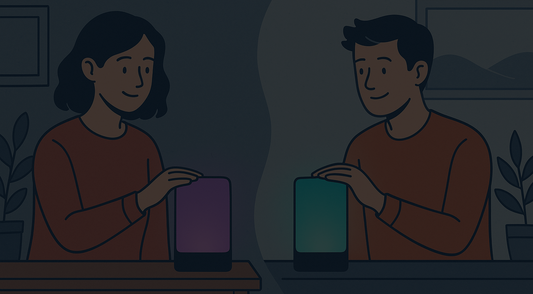
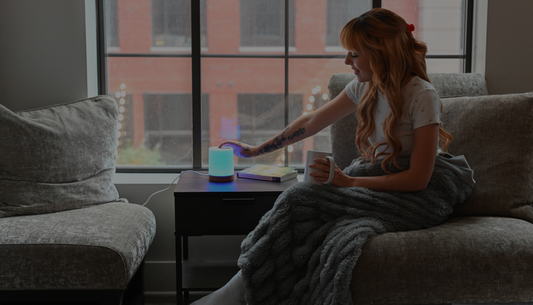
When your family is spread from one coast to the other, the little things matter. A Friendship Lamp lets you say "thinking of you" with a single tap, and their lamp glows your color in Ohio, Oregon or anywhere in between. It's a gift you give once that keeps showing up every day. With our latest upgrade, getting it set up in someone else's home is easier than ever.
What we changed
Every Friendship Lamp you order from luvlink.com now connects on 2.4GHz or 5GHz Wi-Fi. That's true for the classic Friendship Lamp and for all four lamps in the wooden Modern Range: Home, Cube, Cylinder and Tower.
Everything you love stays the same: the soft glow, the colors, the LuvLink app and the quick Bluetooth setup.

Why it matters when the lamp is a gift
You can pick the perfect lamp, but you can't pick the Wi-Fi it lands on. Every home is set up a little differently, and you're usually not there to help. Dual-band takes the guesswork out of it:
- Whatever the router, whichever the band. The lamp connects on 2.4GHz or 5GHz, so there's no need to change settings or create a separate network.
- Mesh Wi-Fi? Set the lamp up just as you would on a single router. There's nothing extra to switch on.
- A hidden network? The network name can be typed in by hand.
- No need to set up next to the router. Close by is ideal, but it isn't essential, so the lamp can go straight where it belongs.
One group, from coast to coast
Lamps connect over the internet, so it makes no difference whether you're two towns or three time zones apart. A set of lamps can link a whole family: parents in one state, kids in another, grandparents somewhere warm.
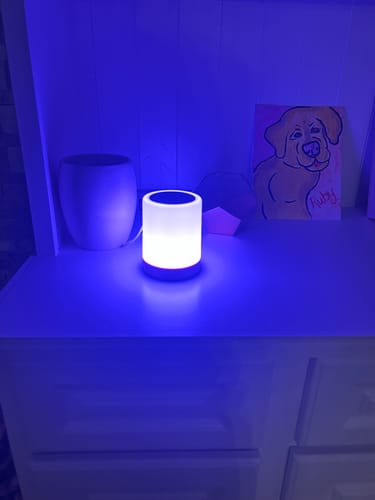
“I got these lamps for myself, sister, and mom for Christmas. My mom and I live in Illinois and my sister lives in Alabama. We all have very busy lives so we love to tap our lamps just to send a quick reminder that we are thinking of each other, even when we are many states apart. This was a great gift to keep us all connected.”
New dual-band lamps and older lamps work together in the same group. If you're adding a lamp for a new grandchild, or for a sibling who's just moved, there's no need to replace the lamps everyone already loves.
Setup, start to finish
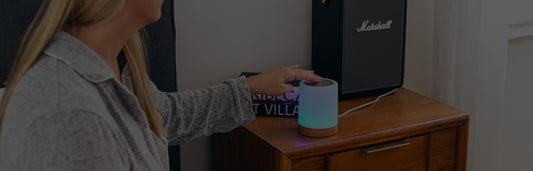
- Plug the lamp into USB-C power with the included USB cable. Any standard USB power adapter or phone charger works.
- Open the LuvLink app. We recommend updating to the latest version, as recent updates have improved how Wi-Fi networks are found during setup.
- Turn on Bluetooth and Location when asked. Setup needs both.
- Choose your home Wi-Fi and enter the password. 2.4GHz or 5GHz both work.
- Invite your family to your group, pick your color and send your first tap.
For a step-by-step walk-through with tips, see our guide on how to set up your LuvLink Friendship Lamp.

College dorms, offices and apartment buildings
Heading to college with a lamp from home? Campus, workplace and hotel networks usually need devices approved first. On those networks, the lamp needs to be registered with the IT department, and then the Wi-Fi password field is left blank during setup. Our help center explains connecting your Friendship Lamp at college.
Classic or wooden Modern Range?
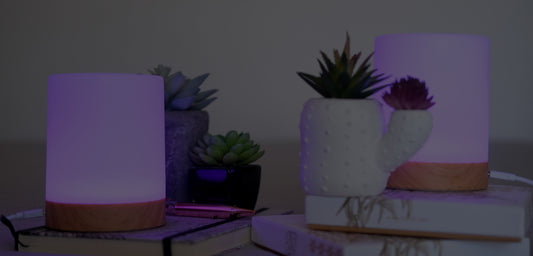
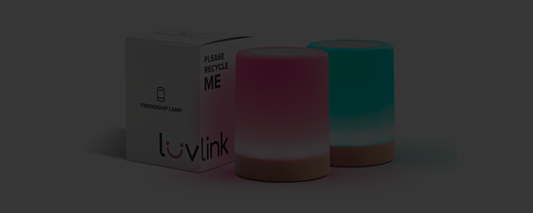
Both have the new dual-band Wi-Fi, so it comes down to their style. The Friendship Lamp is our original: soft, rounded and endlessly colorful, and a favorite for parents, siblings and long-distance couples. The Modern Range pairs warm wood with frosted glass in four shapes, a thoughtful pick for anyone who loves good design.

Already own a lamp?
Nothing changes for you. A box marked V3 or V4 means the lamp is dual-band. Older lamps use 2.4GHz only and keep working just as they always have, right alongside new ones. Not sure which you have? Just try connecting to your 5GHz network, or check Which Friendship Lamp do I have? in our help center.
Frequently Asked Questions
Does the person receiving the lamp need a special router?
No. A dual-band lamp connects to 2.4GHz or 5GHz Wi-Fi, so it works with the router they already have.
Will a new lamp connect with my family's older lamps?
Yes. New and older lamps share one group, no matter which state each of you calls home.
Will it work in a college dorm?
Yes, once the lamp is registered with the campus IT department. Then leave the Wi-Fi password field blank during setup.
How long does setup take?
Just a few minutes in the LuvLink app, over Bluetooth.
Ready to bring your family a little closer? Shop the Friendship Lamp or the wooden Modern Range.